
Evaluating a budget tablet means looking beyond the price and focusing on how well it supports your daily needs.
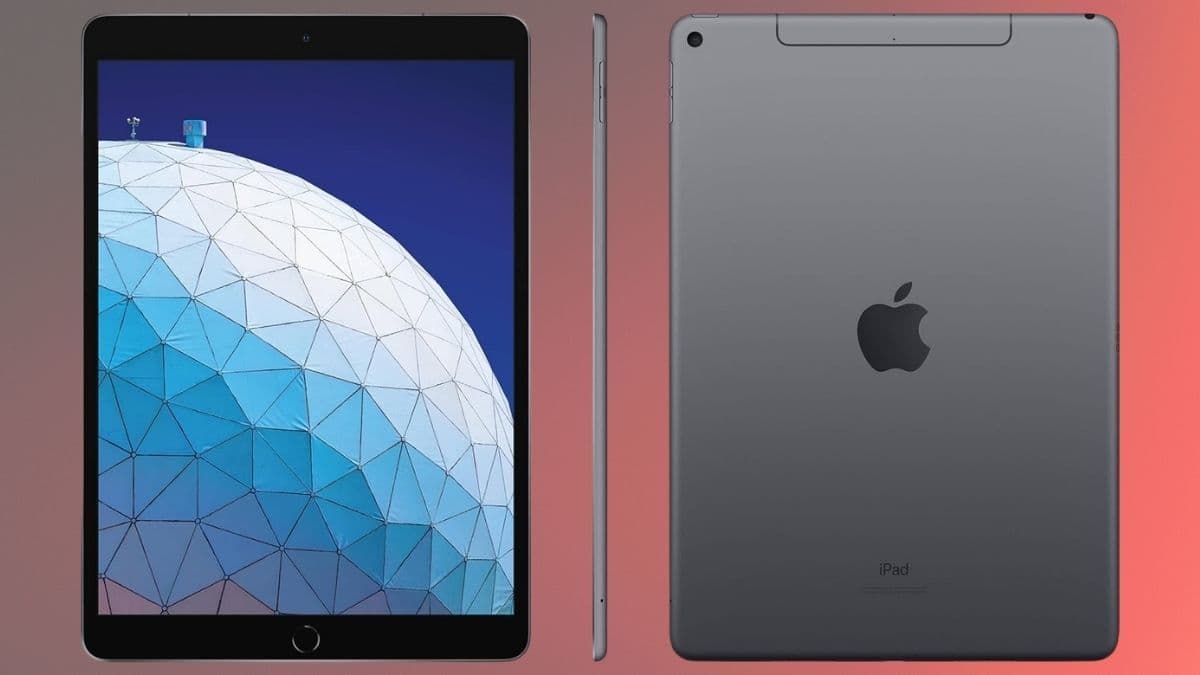
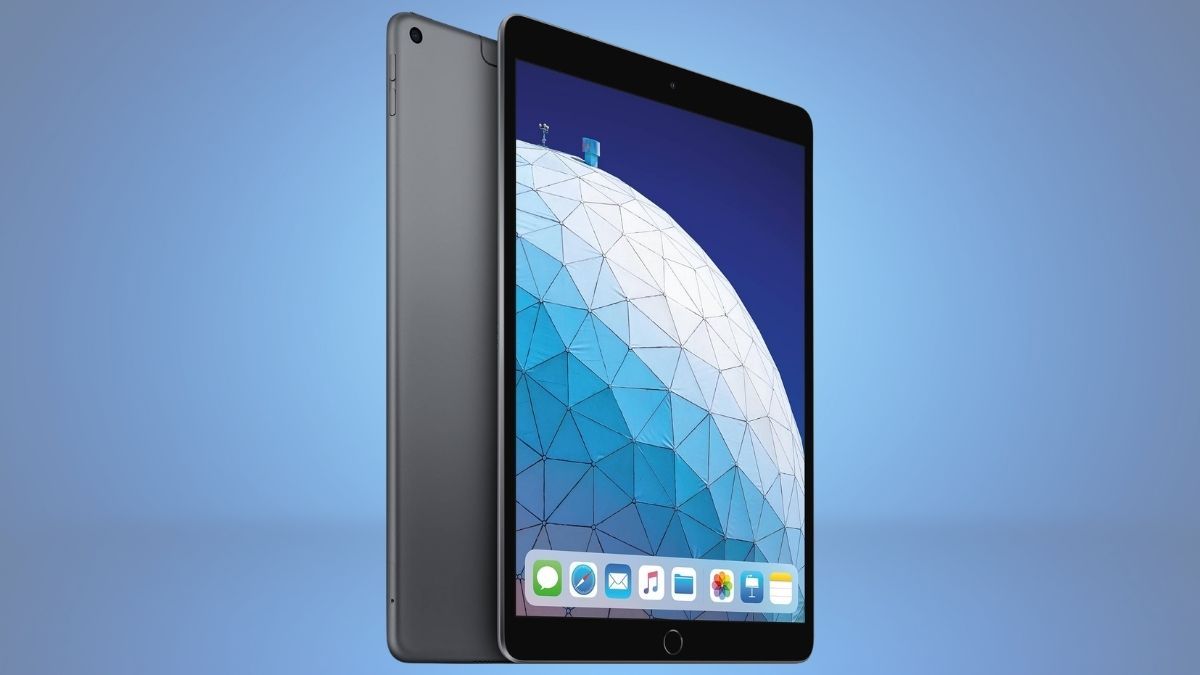
The renewed Apple iPad 7th Gen offers a familiar Apple experience at a significantly lower cost, making it appealing if you want reliability without overspending. You get a solid display, dependable battery life, and access to a well-optimized app ecosystem. However, you also need to consider its aging hardware and limited storage.
If your usage revolves around streaming, browsing, and light productivity, this iPad can be a practical choice. But for demanding tasks or long-term use, you may want to explore newer alternatives.
What You’re Getting: Core Features and Specifications
Before evaluating performance, it helps to understand the essentials this iPad provides.
- 10.2-inch Retina display with clear and vibrant visuals
- Apple A10 Fusion chip for everyday processing
- 32GB storage (no expansion available)
- 8MP rear camera and 1.2MP front camera
- Stereo speakers with 3.5mm headphone jack
- Touch ID for secure access
- Wi-Fi connectivity and Lightning port
- Up to 10 hours of battery life
These features show that the device is designed for practicality rather than high-end performance. It covers the basics well but doesn’t aim to compete with newer models.
Performance in Real-World Use
In everyday scenarios, this iPad holds up reasonably well. You can comfortably use it for:
- Watching videos on streaming platforms
- Browsing websites and social media
- Joining video calls or online classes
- Reading eBooks, articles, or PDFs
The display enhances these experiences, making content consumption enjoyable. For students or casual users, this is often enough.
However, performance limitations become noticeable when you push the device further. Multitasking can feel slow, and apps that require more processing power may lag. If you’re planning to use editing software, modern games, or heavy multitasking workflows, you may find it frustrating.
Storage is another key limitation. With only 32GB available—and some of that already used by the system—you’ll need to manage apps and files carefully. Cloud storage can help, but it’s still a constraint you shouldn’t ignore.
Condition Options: Flexibility for Different Budgets
Buying renewed gives you multiple pricing tiers depending on cosmetic condition.
- Excellent: Minimal wear, closest to a new device
- Good: Light scratches but fully functional
- Acceptable: Visible signs of use but still reliable
All options are tested and certified to work properly, typically with a return or replacement guarantee. This adds a layer of confidence, especially if you’re trying to save money without taking major risks
Pros and Cons You Should Consider
Understanding both strengths and weaknesses helps you decide if this iPad truly fits your needs.
Advantages
- Affordable entry point into Apple’s ecosystem
- Large, sharp display ideal for media consumption
- Apple Pencil compatibility adds creative flexibility
- Reliable battery life for daily tasks
- Includes a headphone jack for wired audio users
Limitations
- Older processor struggles with demanding tasks
- Limited 32GB storage fills up quickly
- Lightning port feels outdated compared to USB-C
- Front camera quality is relatively low
- Software support may not last as long as newer models
Multiple Perspectives: Is It Still a Good Buy
From one perspective, this iPad is a smart budget option. You’re getting a dependable tablet for basic use at a significantly reduced cost. Compared to many low-cost Android tablets, the iPad often feels smoother thanks to Apple’s software optimization.
On the other hand, if you look at long-term value, the limitations become more important. The aging processor and limited storage could shorten its useful lifespan. If you plan to use a tablet heavily or for several years, investing in a newer model might make more sense.
Who Should Consider This iPad
This device is best suited for users with simple needs.
You’ll benefit most if you:
- Want a secondary device for entertainment
- Need a tablet for schoolwork or online learning
- Are buying for kids or first-time users
- Prefer a lower upfront cost
You may want to skip it if you:
- Need strong performance for multitasking or gaming
- Require large storage capacity
- Expect long-term software updates
Balancing Affordability and Functionality
If your expectations are realistic, this renewed iPad can be a worthwhile purchase. It handles basic tasks well, offers a quality display, and provides access to Apple’s ecosystem at a fraction of the original price.
Still, it’s important to recognize its limits. This isn’t a future-proof device, and it won’t replace newer tablets in performance. But for casual use, learning, or as a gift, it delivers solid value.
If you’re exploring affordable tech options, it’s worth checking Amazon for deals like this. You can often find similar budget-friendly devices and gift ideas that match your needs without overspending.